
We have reached a breaking point. As we navigate 2026, the commoditization of personal data has evolved from targeted advertising to systemic, AI-driven data ingestion. Major cloud providers now routinely index personal drives to train underlying multimodal models, offering convenience at the absolute cost of privacy. For developers, data scientists, and privacy enthusiasts, the old adage remains indisputable—the cloud is just someone else's computer.
Reclaiming your digital sovereignty is no longer a fringe movement; it is a vital operational security measure. However, the days of suffering through poorly maintained, fragmented self-hosted tools are over. Open-source personal file management has matured into a landscape of polished, performant, and highly secure platforms. Whether you are a productivity nerd managing terabytes of raw machine learning datasets or a privacy advocate looking to completely de-Google your life, the open-source community has delivered.
In this post, we will explore the top three self-hosted file management paradigms dominating 2026. Each represents a distinct philosophy and caters to a different type of user. We will look at the heavy-duty powerhouse, the lightning-fast minimal web UI, and the decentralized synchronization engine.
Choosing Your Path with the 2026 Matrix
Before diving into the technical architectures and features, let us establish a high-level comparison. Understanding the underlying paradigm of each tool is crucial to selecting the right foundation for your digital life.
- Nextcloud Hub operates as a heavy-resource powerhouse offering Nextcloud Office and encrypted chat, making it ideal for ecosystem builders wanting a total workspace replacement.
- FileBrowser functions as an extremely light, minimalist speedster providing lightning search and ephemeral sharing for users needing simple web access to pre-organized drives.
- Syncthing runs as a lightweight background ghost featuring intelligent conflict handling, serving as the perfect engine for privacy purists wanting ubiquitous server-less access.
Nextcloud Hub - The Digital Sovereign Suite
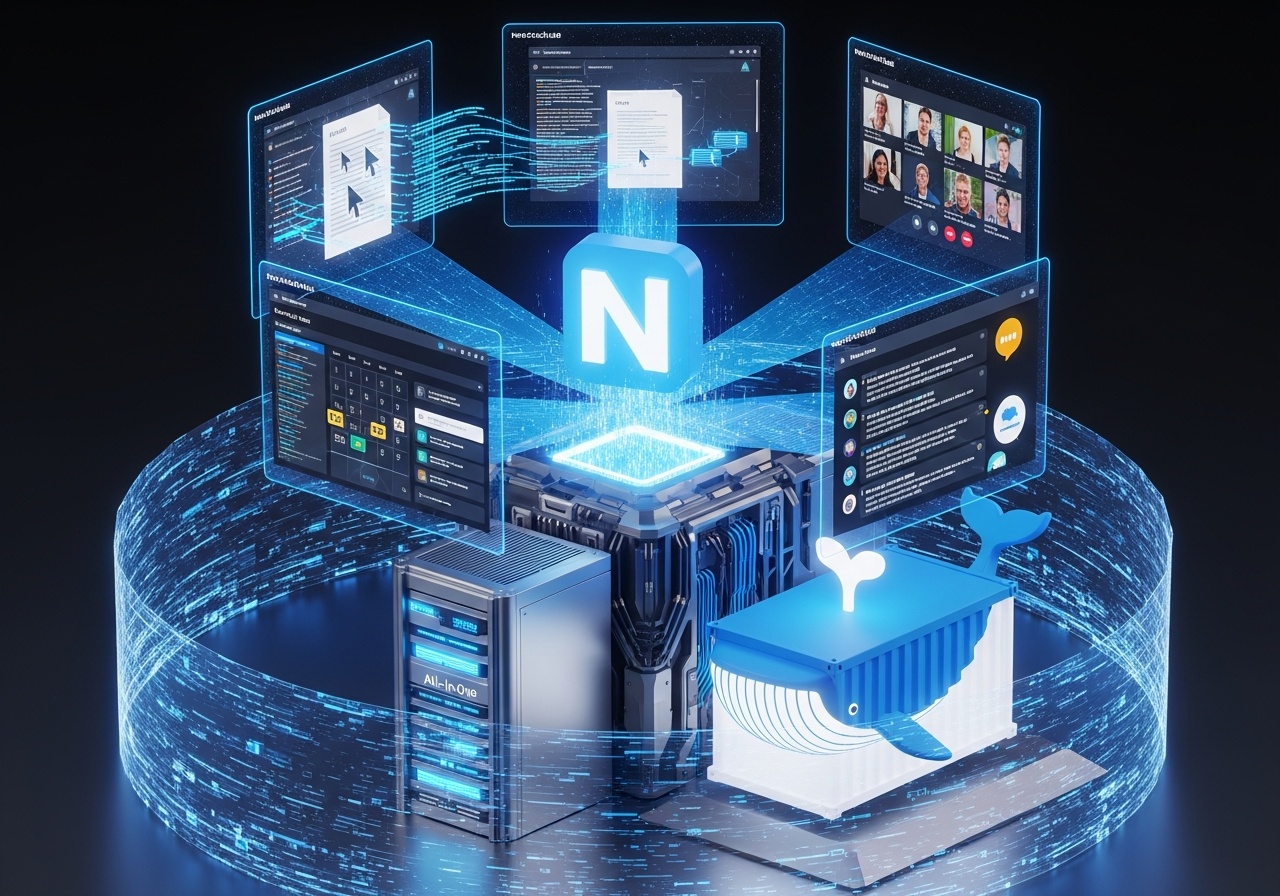
If you still think of Nextcloud as a simple open-source Dropbox clone, you are several years behind. In 2026, Nextcloud Hub operates as a complete, unified collaboration suite. It is built to entirely replace the Google Workspace and Microsoft 365 ecosystems. This is the heavyweight champion of digital sovereignty, designed for users who want a central, powerful home base for absolutely everything. Nextcloud handles far more than standard file storage. It natively integrates CalDAV and CardDAV servers to seamlessly sync your calendars and contacts across all your mobile devices. Furthermore, Nextcloud Talk provides end-to-end encrypted chat, video calls, and screen sharing entirely hosted on your own hardware. You are not just managing files; you are hosting your own private communications infrastructure.
Historically, configuring Nextcloud involved a tedious orchestration of a web server, PHP workers, a database like PostgreSQL, and an in-memory cache like Redis. Today, the Nextcloud All-In-One Docker container turns this daunting architecture into a virtually zero-touch deployment. The AIO container acts as an intelligent orchestrator. You spin up one master container, and it automatically handles the lifecycle, backups, and secure networking of all the underlying microservices required to run the suite at peak performance. Powered by an integrated backend, the standout Nextcloud Office feature allows you and your collaborators to edit documents, spreadsheets, and presentations simultaneously in the browser. The data never leaves your server, yet you experience the exact same fluid, real-time collaboration you would expect from commercial SaaS offerings.
This platform is fundamentally designed for the user who wants absolute control over a comprehensive suite of tools and is willing to dedicate a moderate amount of server resources to achieve it. If you have a dedicated home server, a robust NAS, or a rented virtual private server with a few gigabytes of RAM to spare, Nextcloud provides an unmatched, cohesive experience. You can access and download Nextcloud here.
FileBrowser - The Minimalist Speedster
Where Nextcloud is a sprawling Swiss Army Knife, FileBrowser is a perfectly sharpened surgical scalpel. It rejects the complex database-driven paradigms in favor of raw speed and simplicity. You point it at an existing directory on your server, and it instantly generates a beautiful, responsive web interface to manage those files. Written in Go, FileBrowser compiles down to a single, highly efficient binary. It utilizes almost zero system resources compared to larger enterprise suites. There are no complex relational databases to maintain, no separate caching layers to debug, and no heavy background synchronization tasks grinding your CPU. It simply reads the native file system exactly as it exists on your disk.
Deploying FileBrowser is arguably the simplest operational task in the self-hosting world. It runs seamlessly as a standalone Docker container. You bind-mount your existing local storage directories into the container, map a network port, and the deployment is complete. If you modify a file directly via the command line or another application, FileBrowser reflects the change instantly because it acts purely as a lightweight lens over your native file system. Do not mistake its minimalism for a lack of utility. FileBrowser boasts an incredibly fast search indexer that can traverse massive local directories in milliseconds. Additionally, it excels at ephemeral sharing. With just two clicks, you can generate temporary, password-protected download links for specific files or folders, allowing you to securely share large assets with clients or friends without relying on third-party transfer services.
This tool is ideal for the DevOps engineer, the organized developer, or the media hoarder who already has their directories perfectly structured on a hard drive. It is for the user who simply wants an elegant, fast way to upload, download, and manage their files from a laptop at a coffee shop without installing heavy client-side applications.
Syncthing - The Decentralized Ghost
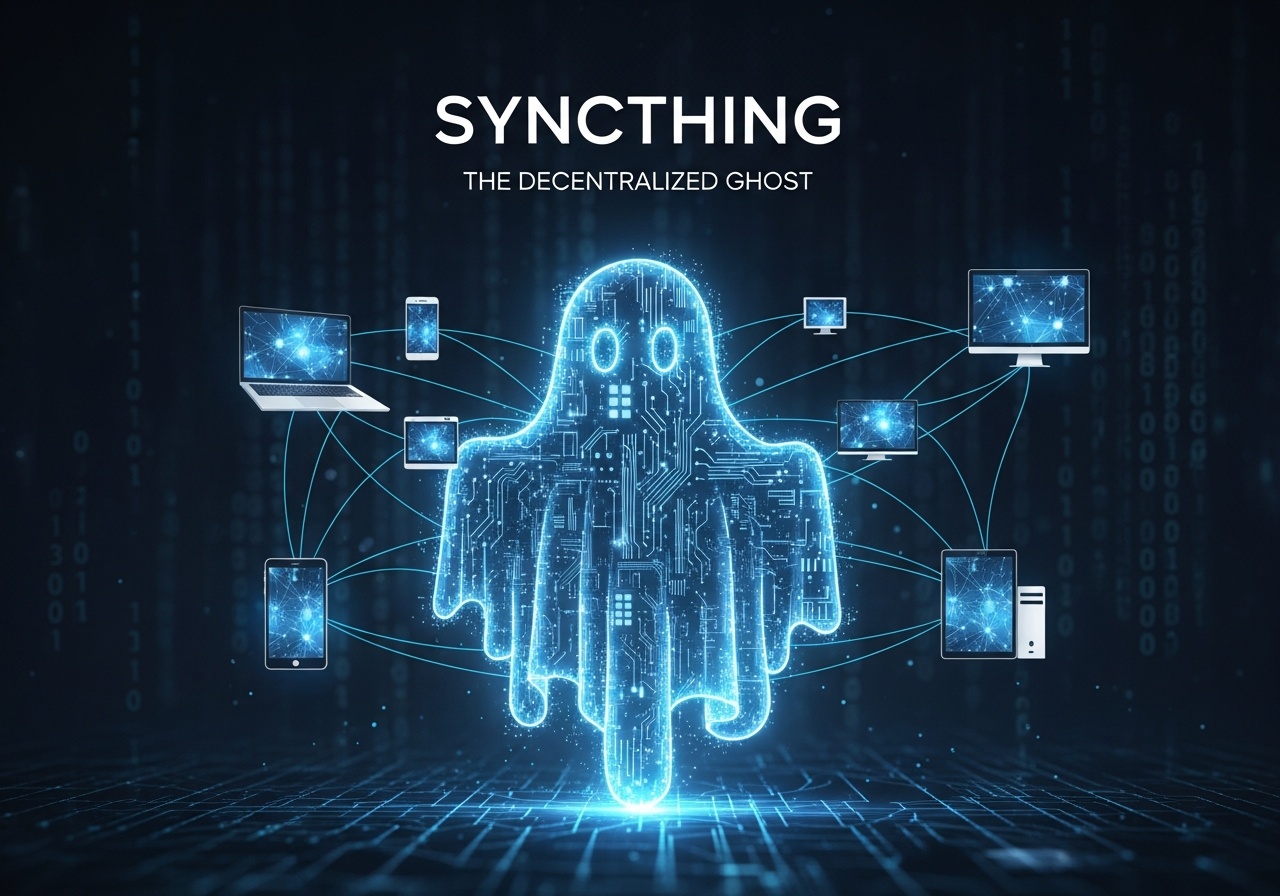
Syncthing represents a radical departure from traditional client-server architectures. It does not store files on a central hub. Instead, it is a continuous, peer-to-peer synchronization engine that creates a decentralized mesh network out of your personal devices. Your data flows directly between your laptop, your mobile phone, and your home workstation. The fundamental magic of Syncthing is that your data never rests in the cloud. By utilizing the Block Exchange Protocol, Syncthing devices negotiate direct, encrypted TLS connections with one another. Even if you are on two different restricted networks, Syncthing can securely route traffic through global relay servers in a way that guarantees the relays cannot decrypt the payloads. It is a zero-trust architecture built natively for personal files.
Syncthing's power lies in its platform agnosticism. It runs flawlessly as a background daemon on Linux, macOS, and Windows. Furthermore, its native Android application allows you to seamlessly sync your camera roll or specific download folders directly to your desktop the moment you connect to Wi-Fi. The setup involves simply exchanging cryptographic device IDs, completely eliminating the need for dynamic DNS or complex port forwarding rules. In a decentralized system where multiple devices might be offline and editing the same file concurrently, conflict resolution is critical. Syncthing handles this exceptionally well. It implements intelligent versioning systems ensuring that if a conflict occurs, both versions are preserved and clearly labeled. You never silently lose data due to a poorly timed synchronization sweep.
This is the ultimate tool for the privacy purist. It is built for the user who wants their data available everywhere simultaneously but fundamentally distrusts centralized infrastructure. If you want your files synchronized seamlessly without relying on a central server that could go offline or be compromised, Syncthing is the definitive solution.
Getting Started With Your Self-Hosted Stack
Theoretical privacy is useless without practical execution. The easiest way to begin your journey into digital sovereignty is by utilizing Docker Compose. This allows you to define your infrastructure as code, making it reproducible and easily backed up.
Below is a practical Docker Compose configuration designed for the modern minimal user. It deploys FileBrowser for fast web access alongside Syncthing for robust, decentralized background synchronization. This combination offers the best of both worlds without the massive resource overhead of a full suite.
version: '3.8'

services:
  filebrowser:
    image: filebrowser/filebrowser:latest
    container_name: filebrowser
    ports:
      - 8080:80
    volumes:
      # Mount your actual data directory here
      - /path/to/your/data:/srv
      # Persist the lightweight settings database
      - ./filebrowser.db:/database/filebrowser.db
    restart: unless-stopped
    environment:
      - PUID=1000
      - PGID=1000

  syncthing:
    image: lscr.io/linuxserver/syncthing:latest
    container_name: syncthing
    environment:
      - PUID=1000
      - PGID=1000
      - TZ=Etc/UTC
    volumes:
      # Store Syncthing application data securely
      - ./syncthing/config:/config
      # Mount the identical data directory used by FileBrowser
      - /path/to/your/data:/data1
    ports:
      - 8384:8384 # Web UI
      - 22000:22000/tcp # TCP file transfers
      - 22000:22000/udp # QUIC file transfers
      - 21027:21027/udp # Local discovery
    restart: unless-stopped
By defining your stack in this manner, your /path/to/your/data directory becomes a living, accessible repository. Syncthing will silently keep that directory perfectly synced with your mobile devices and laptops via peer-to-peer connections. Meanwhile, if you need to browse, organize, or share a file securely with a third party, you can simply log into the fast, responsive FileBrowser web interface running on port 8080. To manage your device pairings and folder synchronization rules, you can access the Syncthing Web UI at http://localhost:8384.
If you prefer the all-encompassing powerhouse route, Nextcloud provides official AIO compose files that handle their complex microservices effortlessly. Whichever tool you choose, the path forward is clear. Taking control of your personal files in 2026 is no longer an insurmountable challenge; it is merely a choice to prioritize your privacy and efficiency.