
What this visualizer does
It turns an image into a binary mask, extracts external contours, and measures each qualifying boundary.
OpenCV visualizer
Trace object boundaries, classify basic shapes, and inspect contour geometry directly in your browser with OpenCV.js.
Click an outlined shape or use the contour list to inspect its measurements.
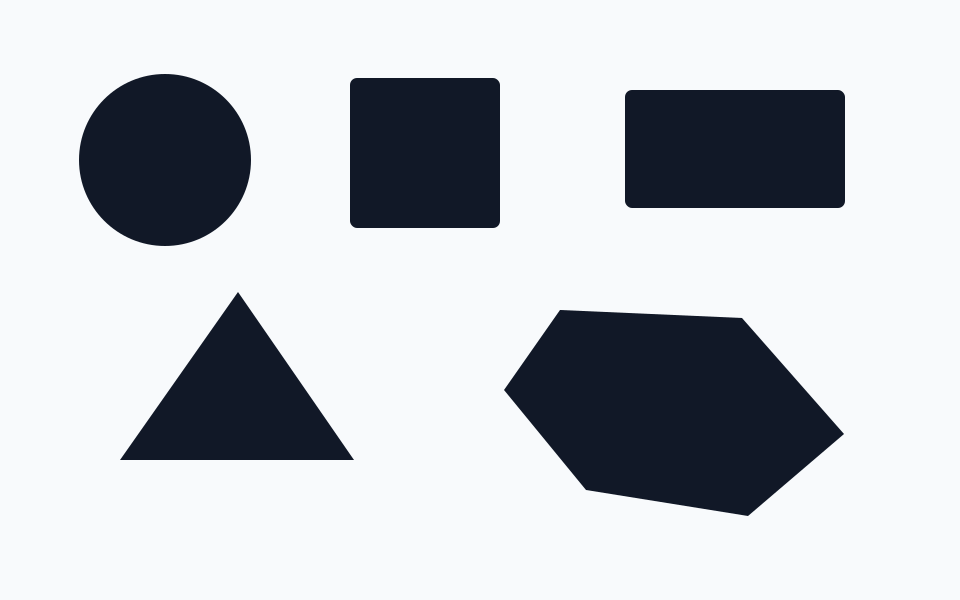
It turns an image into a binary mask, extracts external contours, and measures each qualifying boundary.
import cv2

image = cv2.imread("shapes.png")
gray = cv2.cvtColor(image, cv2.COLOR_BGR2GRAY)
blurred = cv2.GaussianBlur(gray, (5, 5), 0)
_, mask = cv2.threshold(blurred, 128, 255, cv2.THRESH_BINARY)

contours, _ = cv2.findContours(
    mask, cv2.RETR_EXTERNAL, cv2.CHAIN_APPROX_SIMPLE
)

for contour in contours:
    area = cv2.contourArea(contour)
    if area < 300:
        continue

    perimeter = cv2.arcLength(contour, True)
    polygon = cv2.approxPolyDP(contour, 0.02 * perimeter, True)
    moments = cv2.moments(contour)
    x, y, width, height = cv2.boundingRect(polygon)
cv2.drawContours(image, [contour], -1, (112, 74, 255), 2)Thresholding decides which pixels become foreground. Blur suppresses small noise, minimum area removes tiny regions, and approximation controls polygon detail.
Area measures enclosed pixels, perimeter follows the boundary, circularity compares the contour with a circle, and image moments locate its centroid.
If shapes are missing, switch threshold mode or lower the minimum area. If boundaries are noisy, increase blur or approximation accuracy slightly.