
What this visualizer does
Canny combines smoothing, gradients, non-maximum suppression, and hysteresis thresholding.
OpenCV visualizer
Explore grayscale, smoothing, image gradients, and Canny edges directly in your browser with OpenCV.js.
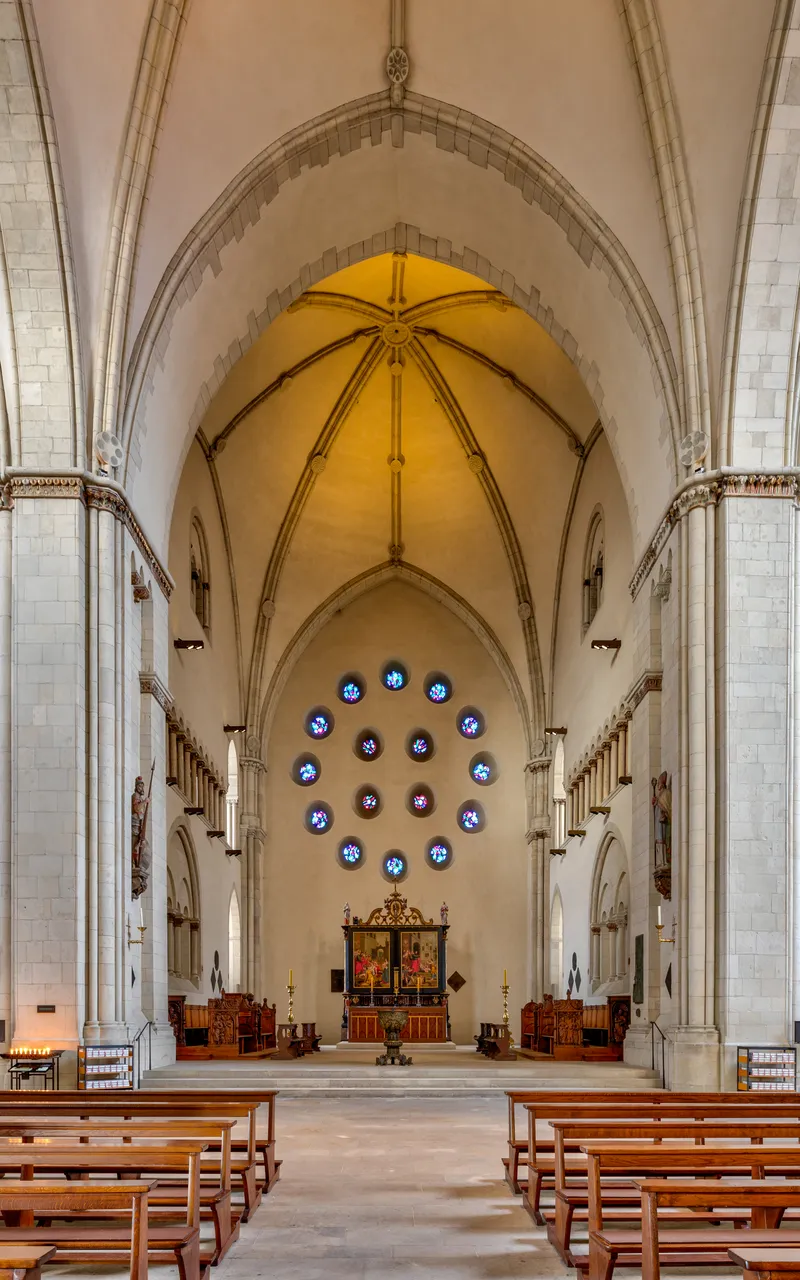
Canny combines smoothing, gradients, non-maximum suppression, and hysteresis thresholding.
Detect thin edges with paired thresholds.
gray = cv2.cvtColor(image, cv2.COLOR_BGR2GRAY)
edges = cv2.Canny(gray, 80, 160, apertureSize=3)The result is a one-channel binary-like map of connected, thin edges.
For stable edges, reduce noise before gradient detection. Canny performs its own Gaussian smoothing, while Sobel and Laplacian expose raw gradient behavior.